Can I Use an Old iPhone Without a SIM as a Bike Computer?
Yes, if it runs iOS 18 or later: an iPhone XS, XR, SE (2nd generation) or newer. GPS works with no SIM and no data plan, and Bike IQ records your ride, reads your Bluetooth sensors and keeps the map of places you have ridden, all without a signal. Set it up at home on Wi-Fi, and open it on Wi-Fi after the ride to send it to Strava.
What Works With No Signal
| On the ride | With no SIM or signal | Free or Pro |
|---|---|---|
| Recording and the live ride screen | Works: speed, distance, climbing, grade and the rest of the core metrics come from the phone | Free |
| Bluetooth sensors, radar, Di2 and AXS | Works: Bluetooth needs no network | Free |
| The map | Works where you have ridden before: Bike IQ keeps the map of areas you ride through, clearing the oldest only when it needs the space. A new area needs a connection the first time | Free |
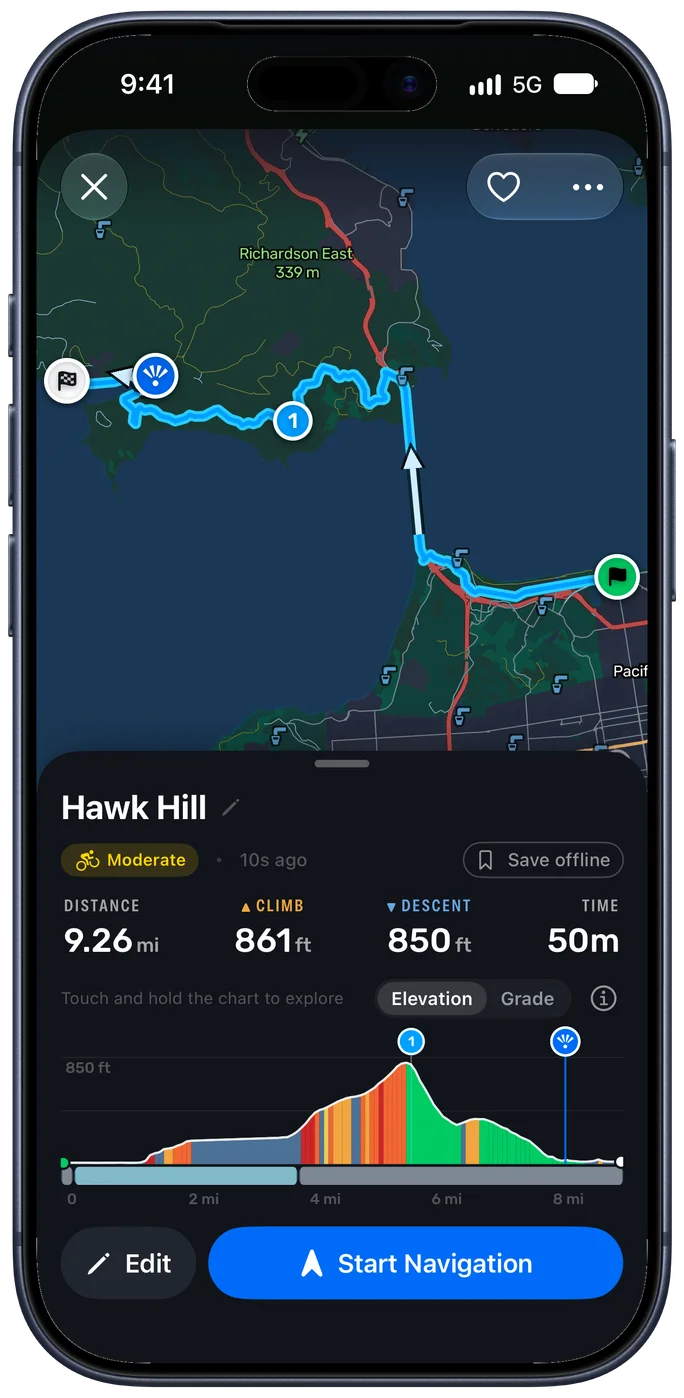
| A route saved for offline and turn-by-turn navigation | Works: the whole route's map, elevation and rerouting are on the phone | Pro |
| Weather and wind | Needs a connection; it stops updating without one | Free |
| Strava upload | Waits on the phone until you open Bike IQ with a connection | Free |
Set Up the Spare iPhone
Do this once, at home on Wi-Fi.
- Install Bike IQ from the App Store. It needs no account; open it and follow the setup.
- Pair your sensors: open the Settings tab and tap Connect Bluetooth Sensors under Sensors & Devices. See Bluetooth Sensors.
- Connect Strava if you use it.
- Have Pro on your main iPhone? Tap Restore on the Pro screen, with the spare phone signed in to the same Apple Account. See Free and Pro.
- Before a ride somewhere new, open the route and tap Save offline (Pro), or ride or preview the area once while you have a connection.
Heart Rate
An Apple Watch sends heart rate to the iPhone it is paired with, and it pairs with one iPhone. If that is your main phone, the spare one will not get it. A Bluetooth heart-rate monitor works with any iPhone, and so does a watch that broadcasts heart rate, such as a Garmin watch.
Battery
An older iPhone has a smaller battery, and its battery has usually worn. Expect it to use more per hour than a new phone: see Battery Life for what drains a ride and how to stretch it. To check its condition, open Settings → Battery on the phone and look at Battery Health. A spare phone has one advantage: your main iPhone stays full in your pocket for calls.
Questions
Does GPS work on an iPhone with no SIM card?
Yes. GPS comes from satellites, so an iPhone finds your position with no SIM and no data plan. Bike IQ records speed, distance and climbing from it.
Which old iPhones can run Bike IQ?
Bike IQ needs iOS 18 or later. That means an iPhone XS, XR, SE (2nd generation) or any newer model. An iPhone X, 8 or older cannot install it.
Do I need an account or a subscription?
No. Bike IQ is free to ride, with no ads and no account. Recording, the live ride screen, sensors and the ride report are free. If you already have Pro on your main iPhone, tap Restore on the Pro screen of the spare one, signed in with the same Apple Account.
Can my Apple Watch send heart rate to the spare iPhone?
Only if the spare iPhone is the one the Watch is paired with, since an Apple Watch pairs with one iPhone. Otherwise use a Bluetooth heart-rate monitor, or a watch that broadcasts heart rate, such as many Garmin watches.
How do my rides get to Strava?
Connect Strava in Bike IQ while you are on Wi-Fi. A ride you finish with no connection waits on the phone, and Bike IQ sends it the next time you open the app with a connection.